









Windows 11 installation requirements: a guide from 2021
What requirements did Windows 11 introduce? This historical guide explains the baseline and feature-specific requirements, with a look back at older Windows releases.
Explore the guide
Each new release of a program or game brings its own minimum requirements for the processor, graphics hardware, memory and other components. We are used to finding a game’s PC requirements alongside its store listing. Technology keeps advancing, and devices can run a wide range of software, sometimes with backward compatibility.
Before looking at Windows 11, it is worth recalling the requirements of older Windows versions to see how quickly hardware and technology have developed.
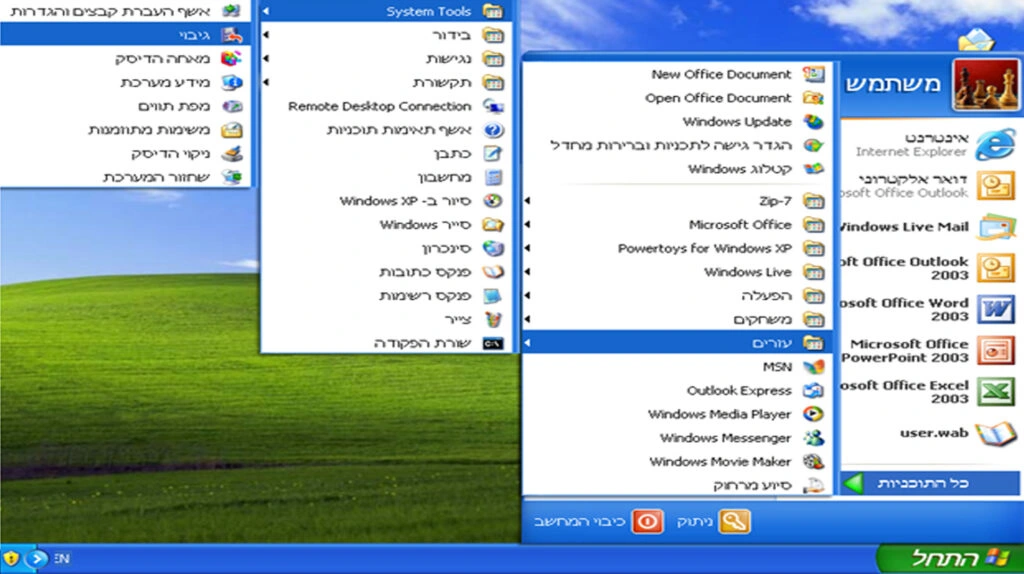
- Windows XP Launched in October 2001, it became a major success for Microsoft, with substantial sales. Even after Vista and Windows 7 appeared, it remained installed on many computers.
The historical figures recalled here are a 233MHz processor, 128MB of RAM and 8MB of graphics memory at a minimum resolution of 800×600. Do not laugh—those numbers once belonged to a very different computing era!
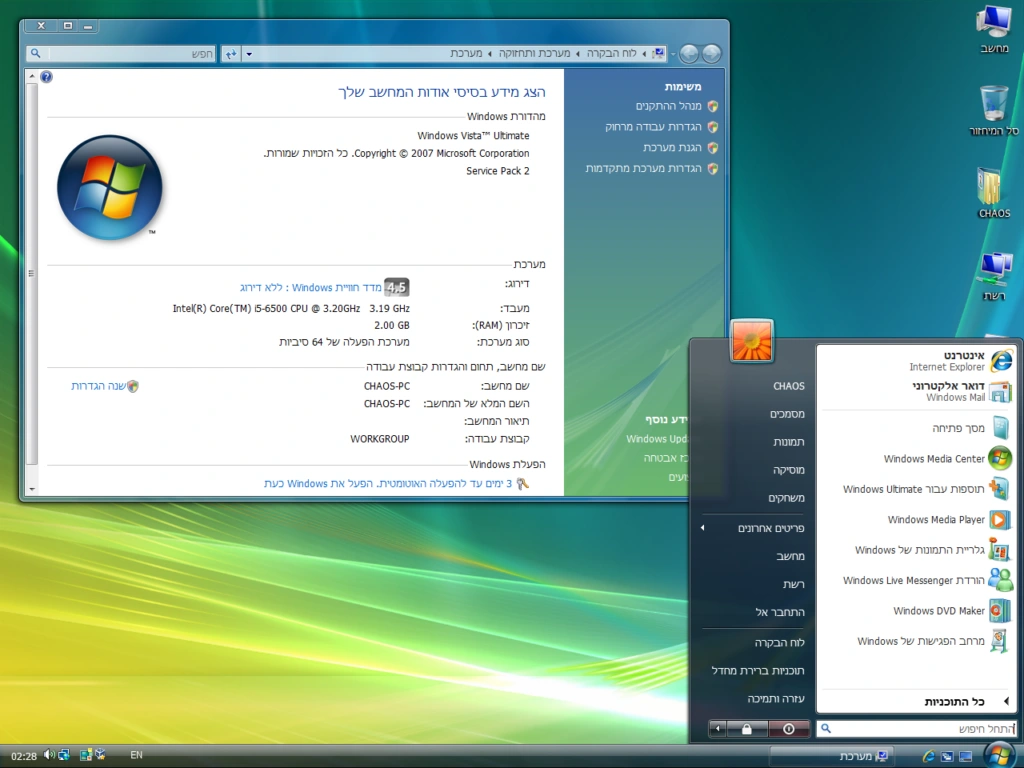
- January 2007: Windows Vista arrived with striking interface designs and ambitious changes, but did not become the success many expected. The author recalls instability, bugs and hardware-compatibility problems, arguing that the release came before the changes were sufficiently polished. The baseline figures cited here increased to an 800MHz processor, 512MB of RAM and 64MB of graphics memory.
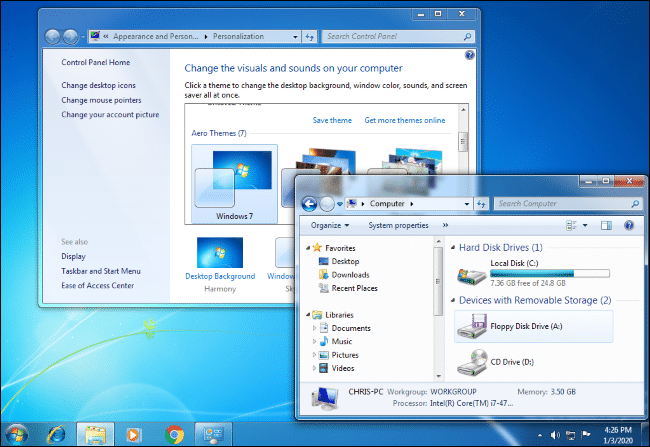
- In October 2009, after Vista’s difficulties, Microsoft returned with Windows 7and a cleaner, more stable experience, a colourful interface, new settings, icons and options not previously available in Windows.
The author remembers Windows 7 as an impressive success, noting that some people still used it when this article was written. Its system requirements distinguished between 32-bit and 64-bit hardware: a 1GHz processor, with 1GB of RAM for 32-bit or 2GB for 64-bit. Requirements and recommendations could also differ between editions.
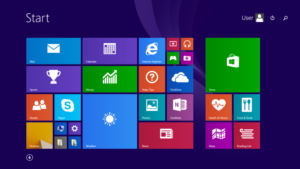
- Microsoft also tried with Windows 8 to innovate quickly as competitors advanced, including on mobile platforms such as Android and Apple’s devices. A new Start screen, settings and apps arrived, but this version did not achieve the intended user experience or the success Microsoft sought.

A popular, if simplified, way of judging Windows releases goes like this:
- Windows XP — 2001 — ✔️ Success
- Windows Vista — 2007 — ❌ Disappointment
- Windows 7 — 2009 — ✔️ Success
- Windows 8 — 2012 — ❌ Disappointment
- Windows 10 — 2015 — ✔️ Success
- Windows 11 — 2021 — ❌/✔️ Would it break the pattern?
At the time of writing in 2021, demanding new games kept appearing and encouraging hardware upgrades—GTX, RTX and the rest.
📞Have ideas for new articles or topics you would like us to cover? Contact us and share your suggestions!📞
Would Windows 11 require newer, more powerful hardware, or keep relatively modest requirements like earlier versions?
Microsoft had refreshed icons, interface elements, colour schemes and the store. Could all those changes raise the requirements?
That is why we put together this detailed guide to the Windows 11 installation requirements announced at the time.
As Microsoft Windows enthusiasts, we enjoyed writing it and taking a brief look back at earlier releases.
At first glance, Windows 11 might have seemed to offer mainly cosmetic changes.
The system requirements told another story, including a supported-processor list and security requirements that made hardware compatibility important. Check the current Microsoft list for the exact device rather than assuming that only the newest computers qualify.‘.
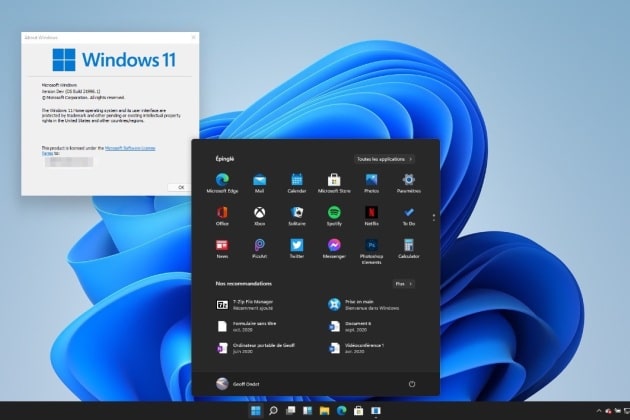
Microsoft introduced several notable Windows 11 installation requirements.🤲
- Completing the initial setup can require an internet connection, and a Microsoft account. Current Microsoft guidance specifies these for Windows 11 Home and Windows 11 Pro for personal use during initial device setup.
- Another important requirement was TPM 2.0 capability. Do not assume this always means a separate physical chip: check the device manufacturer’s TPM and firmware information. The supported-processor list is also important when assessing compatibility.
- Windows 11 requires a compatible 64-bit processor; there is no 32-bit edition of the operating system.
Android apps on Windows 11?🕹
That was one of the features discussed at launch, but it is historical information. Microsoft later ended Windows Subsystem for Android and Amazon Appstore availability in the Microsoft Store from 5 March 2025. Do not treat this article as a promise of current Android-app support.
At the time, the article reported that no additional requirements had yet been announced for that feature beyond the general specifications. It mentioned Intel Bridge Technology and uncertainty about AMD support. These were launch-period observations, not current compatibility guidance.
Windows 11 baseline system requirements:⚡
- Processor — 1GHz or faster, with at least two cores on a compatible 64-bit processor or system on a chip (SoC).
- Memory RAM — At least 4GB.
- Storage capacity — At least 64GB.
- System firmware — UEFI firmware with Secure Boot capability.
- Requirements TPM – Trusted Platform Module (TPM)Version 2.0.
- Graphics card —Compatibility with DirectX 12or later, with a WDDM 2.0 driver.
- Display / monitor — A high-definition (720p) display larger than 9 inches diagonally, with 8 bits per colour channel.
- Internet connection — Internet access is required for initial setup in the editions described above, and for updates and certain features. Requirements depend on the edition and service; this does not mean every offline task needs a permanent connection.
That is not the end of the list.
Historical feature-specific Windows 11 requirements (2021). Some features below have since changed or been retired; check Microsoft’s current guidance before relying on them.👀
Some applications and system features have additional requirements beyond the baseline specifications.
- 5G supportRequires a 5G-capable modem.
- Auto HDRRequires an HDR display.
- BitLocker to GoRequires a USB drive; available in Windows Pro and higher editions in the list described here.
- Client Hyper-VRequires a processor with Second Level Address Translation (SLAT); listed for Windows Pro and higher editions.
- CortanaThe historical list required a microphone and speaker, and listed availability in Australia, Brazil, Canada, China, France, Germany, India, Italy, Japan, Mexico, Spain, the United Kingdom and the United States. This is not a current availability statement.
- DirectStorageThe 2021 list specified an NVMe SSD for storing and running games using the “Standard NVM Express Controller” driver, plus a DirectX 12 GPU supporting Shader Model 6.0.
- DirectX 12 UltimateAvailable with supported games and graphics hardware.
- Presence detectionRequires a sensor capable of detecting a person’s distance from the device or intention to interact with it.
- Intelligent video conferencingRequires a video camera, microphone and speaker or audio output.
- Multiple Voice Assistant (MVA)Requires a microphone and speaker.
- Snap layoutsA three-column layout requires a display at least 1920 effective pixels wide.
- Mute / unmute from the taskbarThe listed feature requires a video camera, microphone and speaker or audio output. The app must support the feature to allow global mute and unmute.
- Spatial soundRequires supported hardware and software.
- TeamsRequires a video camera, microphone and speaker or audio output.
- TouchRequires a display or screen supporting multi-touch.
- Two-factor authenticationThe list describes using a PIN, biometric capabilities such as a fingerprint reader or illuminated infrared camera, or a phone with Wi-Fi or Bluetooth capabilities.
- Voice typingRequires a PC with a microphone.
- Wake on VoiceRequires the Modern Standby power model and a microphone.
- Wi-Fi 6ERequires suitable WLAN IHV hardware and a driver, plus an access point or router supporting Wi-Fi 6E.
- for Windows HelloRequires a near-infrared imaging camera or fingerprint reader for biometric authentication. Devices without biometric sensors can use Windows Hello with a PIN or a compatible portable Microsoft security key, as described in the source list.
- Windows Projection Requires a display adapter supporting Windows Display Driver Model (WDDM) 2.0 and a Wi-Fi adapter supporting Wi-Fi Direct.
**Based on Microsoft’s published requirements; check the current official specifications for changes.