

How to activate and install Office 2024 or Microsoft 365
Choose the Microsoft account, redeem the code, install the apps and check messages about an already used key.
Read the guide About 2 min read

Compare options and choose what suits you.
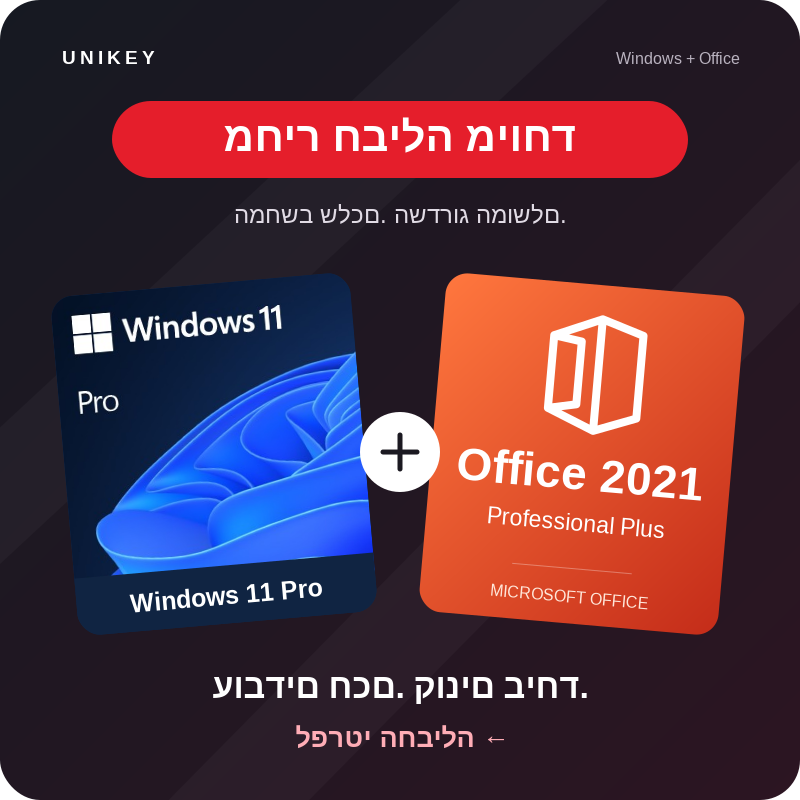 Windows 11 Pro Retail + Office Professional Plus 2021₪514
Choose the right version and license type for your PC.

 Microsoft Project₪299
 Microsoft Visio₪349Choose wisely. Activate easily.Activation guides ←

Compare options and choose what suits you.

Compare options and choose what suits you.
 McAfee Total ProtectionFrom ₪89
 Bitdefender Total SecurityFrom ₪159
 MobiPDF₪269Choose wisely. Activate easily.Activation guides ←

Compare options and choose what suits you.
From choosing the right edition to your first activation — guides for your software, games and subscriptions.
 Activation trouble?A helpful place to start
31 guides
Choose the Microsoft account, redeem the code, install the apps and check messages about an already used key.
כך מפעילים מפתח משחק ב־Steam, מבדילים בינו לבין כרטיס ארנק ובודקים מה לעשות כשהקוד לא מתקבל או כשהמשחק לא מופיע.
Prepare the computer, download installation files from Microsoft and check that the installed edition matches your licence.
A practical checklist for an invalid, already redeemed or region-restricted code, plus what to prepare before contacting support.
Home or Pro? Start with how you use your computer, check what is installed, and identify the features you actually need before…

Compare a one-time purchase with a subscription based on your actual needs: applications, devices, personal or business use, and license terms.
Check the account, region and subscription type, redeem the code and verify the expiry date.

Check your PlayStation account region, the card currency and the exact amount before buying or redeeming.
Do not choose by discount alone: a checklist for comparing antivirus, device count, term and activation conditions.
Identify the code, choose the correct Microsoft account and check the Launcher if only a trial appears.
Choose the correct account, redeem the code and check your library. Learn to distinguish games, add-ons and discount codes.

A code is redeemed on a compatible account; a preloaded account is supplied separately. Understand the installation and access differences.
Learn to distinguish the base game from an expansion and check whether the purchase requires another game.

Check your institution’s eligibility and account access before purchasing an additional Office licence.

Compare suitable editions and check macOS compatibility and installation requirements before buying.
Check the current licence, covered devices and expiry date before purchasing a renewal code.

Understand the differences between the editions, intended use and licence terms before choosing.
Check the installed edition, activation message and licence compatibility before making another purchase.

Compare individual and family subscriptions, account allocation and the terms that matter to your household.

Check the users, Nintendo accounts and membership terms before choosing your plan.
Choose according to your device, account and included services, rather than the plan name alone.

Compare membership tiers and check the account region and included features before buying.

Check the platforms and editions used by your friends before choosing your version.
Understand the difference between a gift card, account credit and in-game currency, and check redemption terms.
Check the account and device, follow the redemption steps and troubleshoot common code problems.
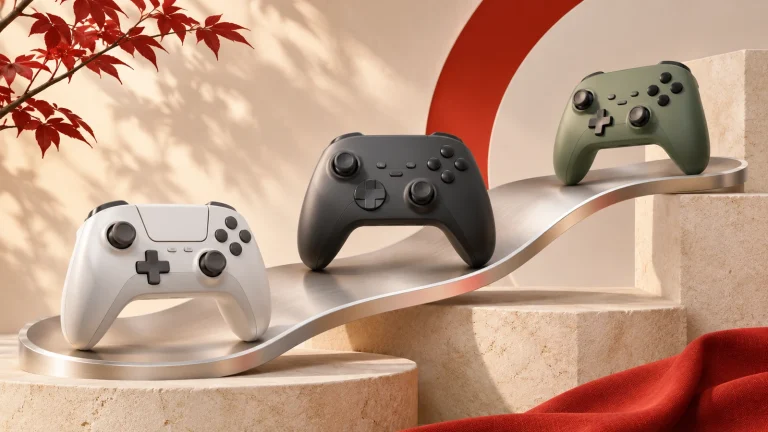
Check the platform, edition and delivery method so the game you buy matches your device and account.

This article explains how to compare prices across websites and find the lowest price, whether abroad or in Israel.When buying, we usually…
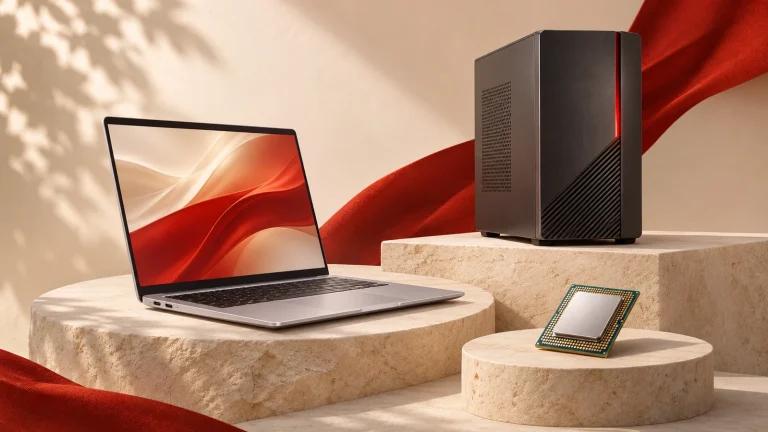
Is your computer slow? Can it no longer run new programs and games? It is time for a new one—but which? Today…

Hello, Yuval here from UniKey support.This guide shows how to download and install Fortnite for free on PC, using the latest available…

Hello!This article explains what computer viruses are and how to reduce the risks when downloading and installing games.The most dangerous opponents in…
Received a Battle.net game code? Redeem it on the account you intend to play on. Before confirming, check that the game, activation…
 Xbox Game PassSubscriptionsFrom ₪69