





Product image · Digital product, no physical packaging

GTA VICrime. Next level.
Choose your edition and order.
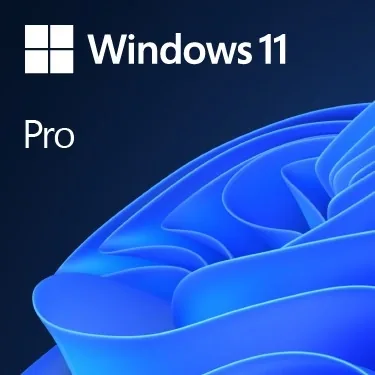
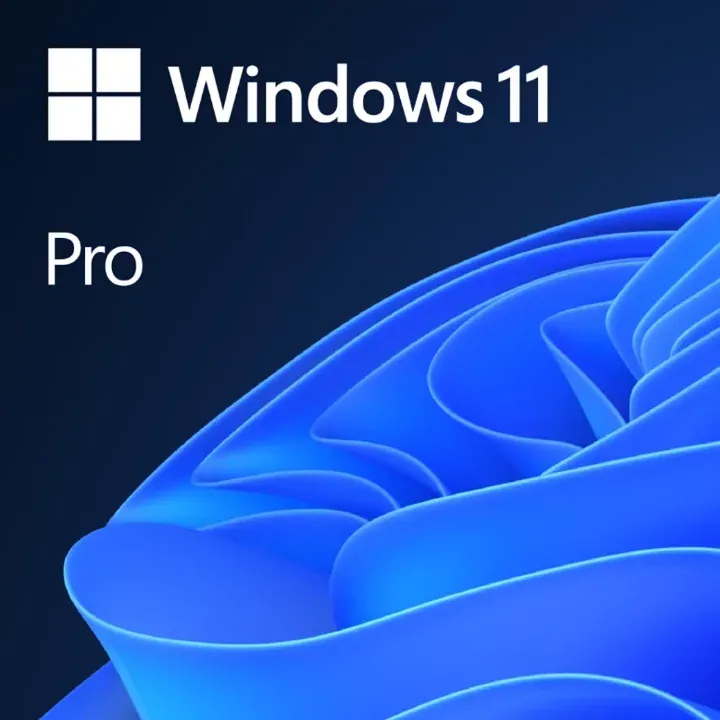
Windows 11 Home Retail
Windows 11 Home — לגלישה, לימודים, בידור ועבודה יומיומית בבית. גרסת Retail: אפשרות ההעברה למחשב אחר תלויה בתנאי הרישיון ובהפסקת השימוש במחשב הקודם.
WindowsSoftware developerMicrosoft
Choose an edition
Help me chooseChoose a licence type
הגרסה שבחרתםWindows 11 Home Retail
₪145Product price
In stock
Digital delivery · Activation details after order approval and processing.
Digital deliveryHebrew-language supportSecure payment
Home or Pro?
Both suit everyday work, study and gaming. The differences lie in advanced security and management tools.
| Feature | Home Current edition | Pro |
|---|---|---|
| Advanced drive encryptionBitLocker | Not included | Included |
| Remote access to this PCRemote Desktop | Not included | Included |
| Run virtual machinesHyper-V | Not included | On compatible hardware |
On compatible devices, Home may also include basic device encryption.
What is the difference between OEM and Retail?
- OEM
- הרישיון משויך למחשב שעליו הופעל, בהתאם לתנאי הרישיון.
- Retail
- אפשר להעביר את הרישיון למחשב אחר אם התנאים מאפשרים זאת, לשימוש במחשב אחד בכל פעם.
How do I install and activate?
Check your installed edition and PC compatibility with Windows 11.
Back up your files and download suitable installation media from Microsoft’s official website.
Install or upgrade to Home according to the licence instructions and terms.
Open Settings › System › Activation, enter the key as instructed and check that activation is complete.
Check hardware requirements, back up your files and download Windows from Microsoft. Open Settings › System › Activation and enter the key for the matching edition.
What does this product include?
Home is suitable for home tasks, browsing, study and gaming; it does not include all of Pro's enterprise management features.
A PC operating system. Pro also offers advanced management and security features; Home is intended for home use. A key does not automatically upgrade hardware that fails to meet the manufacturer's requirements.
An OEM licence is tied to the first PC. Retail transfer is subject to Microsoft's terms, discontinuing use on the previous PC and compatibility of the licence channel.
Is Home right for my needs?
Home מתאימה לשימוש יום־יומי. אם צריך אירוח Remote Desktop, כלי ניהול ארגוניים או תכונות וירטואליזציה, השוו מול Pro ובדקו את דרישות החומרה.
What does RETAIL mean for this product?
Retail עשוי לאפשר העברה בכפוף לתנאי Microsoft, לרישיון תקף ולהסרת השימוש מהמחשב הקודם. אין להשתמש באותו רישיון בשני מחשבים במקביל.
Will the key work with my installed edition?
המפתח צריך להתאים למהדורת Windows. מפתח Home אינו מפעיל Pro. בדקו בהגדרות את המהדורה המותקנת ואת אפשרות השדרוג לפני רכישה.
Can I upgrade from Windows 10?
תחילה בודקים תאימות ל-Windows 11, לרבות מעבד נתמך, TPM 2.0 ו-Secure Boot. למחשב עם רישיון מתאים עשוי להיות מסלול שדרוג ללא רכישת רישיון חדש. בדקו זאת ב-Windows Update ובכלי Microsoft לפני ההזמנה.
What if activation is not completed?
Save the error message and contact support with your order number. Do not send a full key through a public form or an unprotected screenshot.