







Inside the game

תמונת המוצר המקורית · פרטי ההצעה מפורטים לצד המוצר

GTA VICrime. Next level.
Choose your edition and order.
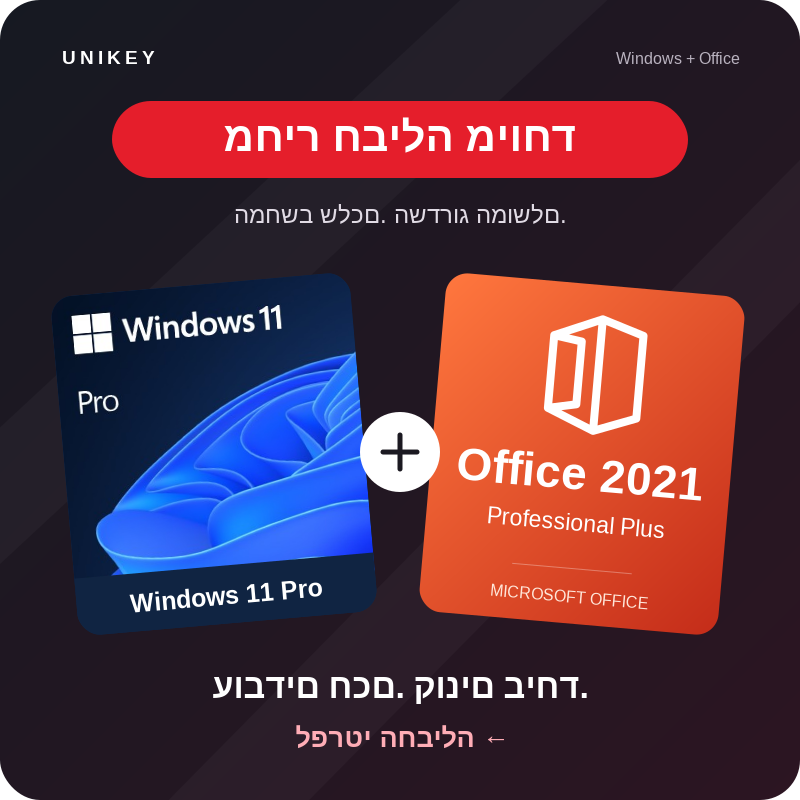
Windows 11 Pro OEM / Windows 11 Professional OEM
Choose a Windows 11 Pro edition and licence type, check hardware requirements and identify the installed version before installation or upgrading.
WindowsSoftware developerMicrosoft
Choose an edition
Each option shows its price, supported devices and duration.
הגרסה שבחרתםWindows 11 Pro OEM / Windows 11 Professional OEM
₪139Product price
In stock
Digital delivery · Activation details after order approval and processing.
Digital deliveryHebrew-language supportSecure payment
Which option suits you?
| Option | Option details | Price |
|---|---|---|
| Windows 11 Pro | Windows 11 Pro — Authorised importer: full warranty + Microsoft certificate / Retail FPP - Transferable between computers - Linked to an account Microsoft | Digital code · License: RETAIL · Platform: PC | ₪599 |
| Windows 11 Home — parallel import: full warranty / Retail — activation/upgrade of an existing computer — does not link to a Microsoft account | Digital code · License: RETAIL · Platform: PC | ₪145 |
| Windows 11 Pro OEM / Windows 11 Professional OEM Selected | License: OEM · Platform: PC | ₪139 |
| Windows 11 Pro | Windows 11 Pro | — | Original price was: ₪249.₪129Current price is: ₪129. |
How do I install and activate?
Check device count, duration and compatibility.
Download the software from the official source listed in the product instructions.
Activate as instructed and check the licence expiry date in the software.
What does this product include?
Windows 11 Pro is an operating-system edition that also addresses professional and organisational needs. Before buying, check whether you need Pro features or Home suits your use. Read our Windows 11 Home versus Pro comparison and choose for your requirements, not the name alone.
First check computer compatibility
Microsoft’s official Windows 11 requirements include a compatible processor, TPM 2.0 and UEFI firmware capable of Secure Boot, alongside memory, storage and display requirements. Check eligibility using PC Health Check or your computer manufacturer. Processor speed alone does not establish support.
A product key cannot change hardware or resolve incompatibility. Successful activation is not a substitute for checking Windows 11 eligibility. If an incompatibility message appears, identify its cause before installation rather than assuming a purchase will bypass it.
Which licensing option should you choose?
- Confirm Pro matches the installed edition or intended upgrade route.
- Read whether the option is OEM, Retail or another route and its specific conditions.
- Do not assume every key permits transfer to another PC or activation on multiple devices.
Reinstallation, a motherboard replacement and moving to another computer are different actions. Microsoft explains how hardware changes can affect activation. Entitlement and procedure depend on the licence and device situation.
Installing and activating carefully
Back up files, identify the existing edition and follow our Windows 11 installation guide. Downloading and licensing are separate parts of the process. On a work computer, coordinate management and application requirements with IT.
I have Home. Can I enter any Pro key?
The product and upgrade procedure must match your computer’s situation. Different delivery methods do not necessarily describe the same route. Clarify before buying if the description is not explicit.
Can I transfer the licence later?
Check the specific option’s conditions; the words Windows 11 Pro alone do not establish transfer rights. Ask support if needed.
How many devices and how long is the licence valid for?
Check the selected option, device count and protection period. These may vary between versions of the same product.
Does it support my operating system?
Check the manufacturer's requirements and the specific version before downloading. Do not assume every package supports every operating system.
What if activation is not completed?
Save the error message and contact support with your order number. Do not send a full key through a public form or an unprotected screenshot.