

Install Office 2024, Microsoft 365 and Office 2021
Identify your Office product and licence, use the correct account and install from Microsoft. Includes Office 2021 and its support status.
Read the guide About 4 min read
Compare options and choose what suits you.
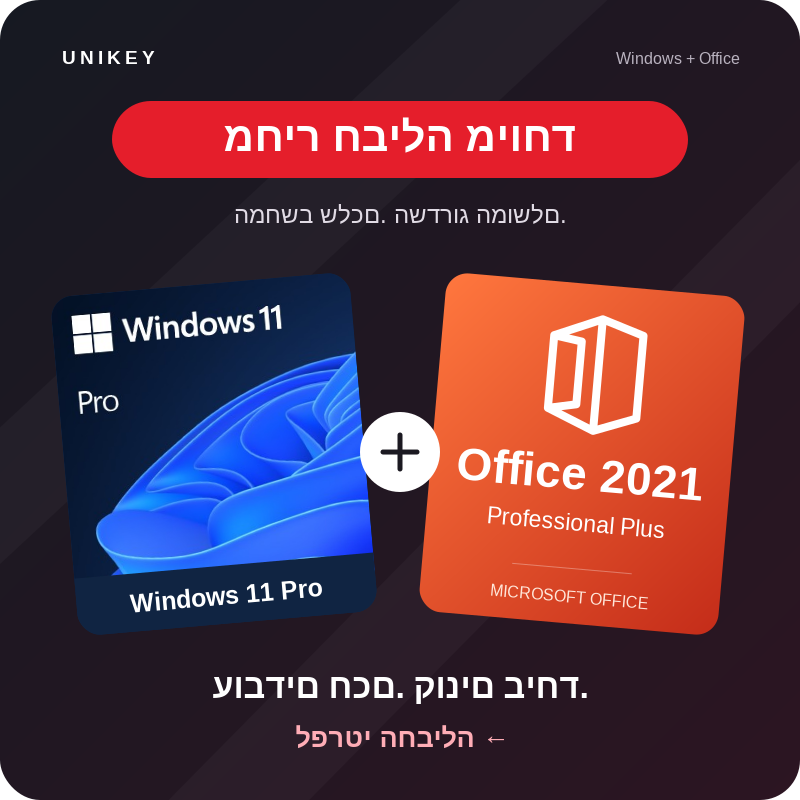 Windows 11 Pro Retail + Office Professional Plus 2021₪514
Choose the right version and license type for your PC.

 Microsoft Project₪299
 Microsoft Visio₪349Choose wisely. Activate easily.Activation guides ←

Compare options and choose what suits you.
 PlayStation PlusFrom ₪79
Compare options and choose what suits you.
 McAfee Total ProtectionFrom ₪89
 Bitdefender Total SecurityFrom ₪159
 MobiPDF₪269Choose wisely. Activate easily.Activation guides ←

Compare options and choose what suits you.
From choosing the right edition to your first activation — guides for your software, games and subscriptions.
 Activation trouble?A helpful place to start
2 guides
Identify your Office product and licence, use the correct account and install from Microsoft. Includes Office 2021 and its support status.
כך מפעילים מפתח משחק ב־Steam, מבדילים בינו לבין כרטיס ארנק ובודקים מה לעשות כשהקוד לא מתקבל או כשהמשחק לא מופיע.
Prepare the computer, download installation files from Microsoft and check that the installed edition matches your licence.
A practical checklist for an invalid, already redeemed or region-restricted code, plus what to prepare before contacting support.
Home or Pro? Start with how you use your computer, check what is installed, and identify the features you actually need before…

Compare a one-time purchase with a subscription based on your actual needs: applications, devices, personal or business use, and license terms.
Check the account, region and subscription type, redeem the code and verify the expiry date.
Check your PlayStation account region, the card currency and the exact amount before buying or redeeming.
Do not choose by discount alone: a checklist for comparing antivirus, device count, term and activation conditions.
Identify the code, choose the correct Microsoft account and check the Launcher if only a trial appears.
Choose the correct account, redeem the code and check your library. Learn to distinguish games, add-ons and discount codes.
A code is redeemed on a compatible account; a preloaded account is supplied separately. Understand the installation and access differences.
Install Fortnite from Nintendo eShop, choose the correct console version and keep using the account that holds your progress.
Use Microsoft’s official Windows 10 download, prepare installation media and check licensing and support before making changes.
Install Among Us using the store matching your purchase and check what the game and chosen delivery method include.
Learn to distinguish the base game from an expansion and check whether the purchase requires another game.

Check your institution’s eligibility and account access before purchasing an additional Office licence.

Compare suitable editions and check macOS compatibility and installation requirements before buying.
Check the current licence, covered devices and expiry date before purchasing a renewal code.

Understand the differences between the editions, intended use and licence terms before choosing.
Check the installed edition, activation message and licence compatibility before making another purchase.

Compare individual and family subscriptions, account allocation and the terms that matter to your household.
Check the users, Nintendo accounts and membership terms before choosing your plan.
Choose according to your device, account and included services, rather than the plan name alone.
Compare membership tiers and check the account region and included features before buying.

Check the platforms and editions used by your friends before choosing your version.
Understand the difference between a gift card, account credit and in-game currency, and check redemption terms.
Check the account and device, follow the redemption steps and troubleshoot common code problems.
Check the platform, edition and delivery method so the game you buy matches your device and account.

This article explains how to compare prices across websites and find the lowest price, whether abroad or in Israel.When buying, we usually…
Is your computer slow? Can it no longer run new programs and games? It is time for a new one—but which? Today…

Download Fortnite through the official Epic Games Launcher, with clear steps for your account, library and installation.
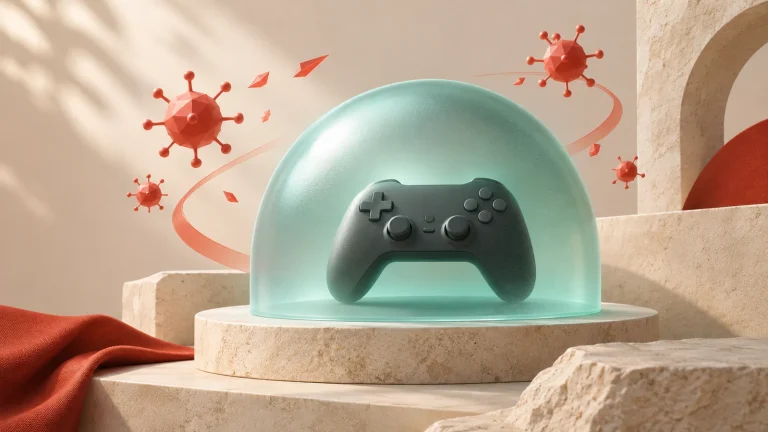
Hello!This article explains what computer viruses are and how to reduce the risks when downloading and installing games.The most dangerous opponents in…
מוצרי Adobe מופעלים בדרכים שונות: קוד מימוש, מספר סידורי או גישה שכבר שויכה לחשבון.
אופן ההפעלה נקבע לפי סוג הרישיון: חשבון אישי, מספר סידורי או רישוי ארגוני.
לעיתים הבעיה היא כניסה לחשבון אחר או התקנה של מהדורה שאינה תואמת לרישיון.
Parallels מפעילה סביבה וירטואלית. הרישיון שלה אינו רישיון Windows ואינו רישיון לכל תוכנה שתותקן בתוכה.
כרטיס ארנק מוסיף כסף ליתרת Steam. קוד משחק מוסיף מוצר מסוים — אלה שני מסלולים שונים.
פרטי הזמנה נדרשים לטיפול ברכישה ובשירות. את מדיניות המידע המלאה תמצאו בעמוד הפרטיות של יוניקי.
אפשר לפנות ליוניקי בבקשת ביטול מסודרת. בדיקת הבקשה תלויה בסוג העסקה, באספקה ובדין החל.
קוד GOG מוסיף תוכן לחשבון GOG שלכם. מסך התצוגה המקדימה מאפשר לבדוק מה עומד להתווסף.
פנייה קצרה עם הפרטים הנכונים חוסכת בקשות השלמה ומבהירה אם הבעיה בהזמנה, בהתקנה או בהפעלה.
המייל הוא מפתח לגישה להזמנות. הגנה עליו חשובה לא פחות מהסיסמה לחנות.
אימות דו־שלבי דורש אמצעי נוסף לצד הסיסמה. קודי גיבוי נועדו למצב שבו אין גישה לאמצעי הזה.
התחילו בפרטי ההזמנה. קוד דיגיטלי, חשבון חדש והתקנה בחשבון הם סוגי אספקה שונים, ולכן לא בכל הזמנה יופיע מפתח להפעלה.
הורדת מתקין מחדש והעברת רישיון הם שני דברים שונים. האפשרות תלויה במוצר ובתנאי הרישוי.
מהירות הורדה תלויה בחיבור, בשרת, בעומס בבית ובכונן. לא כל האטה היא תקלה במוצר.
מבדילים בין מוצר זמין לבין הזמנה מוקדמת כדי לדעת למה לצפות אחרי התשלום.
קוד הפעלה תקין אינו מבטיח שהמחשב עומד בדרישות המשחק. מבדילים בין רישיון לבין תקלה בהפעלה.
Received a Battle.net game code? Redeem it on the account you intend to play on. Before confirming, check that the game, activation…
קוד משחק ל־Epic מממשים בחשבון Epic. כרטיס V-Bucks או Fortnite Gift Card עשוי לדרוש מסלול אחר.
קוד Ubisoft למחשב ממומש ב־Ubisoft Connect PC. אם ההצעה מציינת Steam או קונסולה, מסלול המימוש שונה.
לפני שרוכשים שוב, בודקים חשבון, פלטפורמה, מסננים וסוג תוכן.
חיוב או אישור תשלום אינם בהכרח אישור שהמוצר כבר מוכן. בודקים את ההזמנה לפני שמנסים לשלם שוב.
צריכים חשבונית מסודרת לעסק? בדקו את הפרטים לפני השלמת ההזמנה.
כרטיס מתנה מוסיף יתרה; מנוי מעניק גישה לתקופה; משחק הוא רישיון לתוכן מסוים.
כך בודקים תקלה בקופה בלי ליצור הזמנות וחיובים חוזרים מיותרים.
מממשים קוד דרך Nintendo eShop בחשבון המתאים. משחק, יתרה ומנוי הם סוגי קוד שונים.
משחק, מנוי וכרטיס מתנה יכולים להשתמש באותו חשבון Microsoft, אבל מוסיפים תכולה שונה.
מפתח Rockstar מופעל במפעיל הרשמי ונקשר לחשבון שבחרתם. הוא אינו בהכרח מפתח Steam.
במוצרים כגון Canva, כלי AI ושירותי מנוי, הגישה עשויה להגיע באמצעות הזמנה או חשבון ולא באמצעות קוד.
קוד ניסיון עשוי שלא להתאים לחשבון שכבר השתמש במבצע או במנוי מסוים.
אין תוקף אחיד לכל הקודים. תאריך מימוש, משך מנוי ומועד יציאת משחק הם שלושה דברים שונים.
שלושה מספרים שונים עם שלוש מטרות שונות. שימוש בשדה הלא נכון גורם לשגיאה גם כשכל הפרטים תקינים.
אזור, מטבע, דגם מכשיר וחנות הפעלה הם תנאים נפרדים. שם המשחק לבדו אינו מספיק.
לפני שמממשים קוד נוסף, משווים בין ההזמנה לבין מה שמוצג בפלטפורמה.
אם אינכם מזהים עסקה, מטפלים בזה דרך ערוצים רשמיים ולא דרך קישור שקיבלתם בהודעה חשודה.
חשבון חדש הוא חשבון נפרד שסופק עם גישה למוצר. הוא אינו קוד להוספה אוטומטית לחשבון האישי שלכם.
שפת התפריטים ושפת בדיקת האיות הן הגדרות שונות. שינוי אחת לא תמיד משנה את השנייה.
שפת תצוגה, פריסת מקלדת ואזור הן אפשרויות שונות. שינוי אזור אינו מחליף בהכרח את שפת Windows.
 Xbox Game PassSubscriptionsFrom ₪69