







Minecraft 1.18: what changed in Caves & Cliffs Part II
Minecraft’s 1.18 update brought major changes. Here is a look at its highlights.Back in 2020, Mojang announced changes to the game’s environments, new blocks and additional creatures…
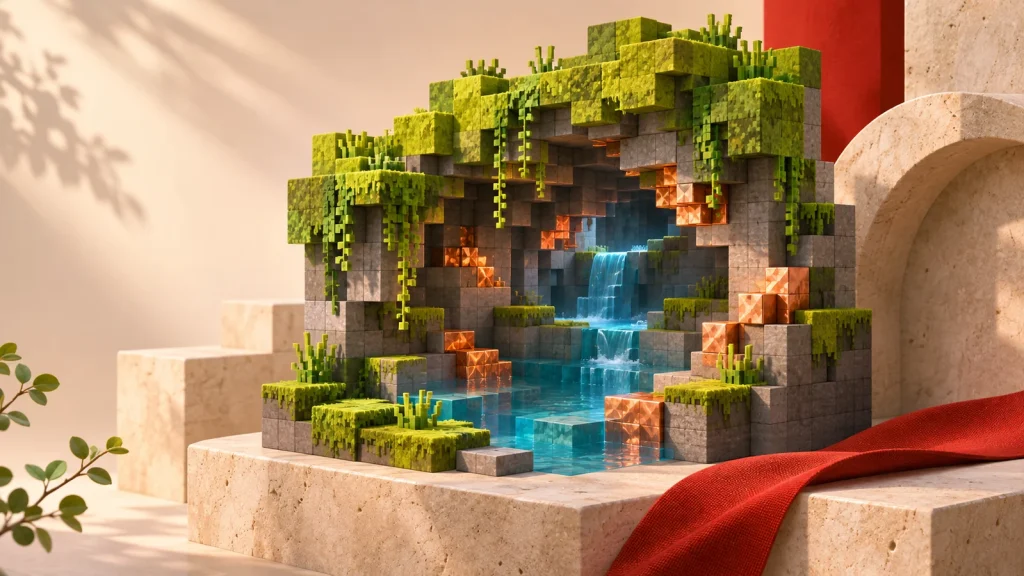
Minecraft’s 1.18 update brought major changes. Here is a look at its highlights.Back in 2020, Mojang announced changes to the game’s environments, new blocks and additional creatures and mobs to enrich its ecosystems.Click here to buy the PC version!Caves & Cliffs Part II reshaped the landscape with new mountains and hills, using biome-based terrain generation to give environments a more coherent feel.Version 1.17 had already introduced new creatures and vegetation; this update focused on how features appear within their natural environments.
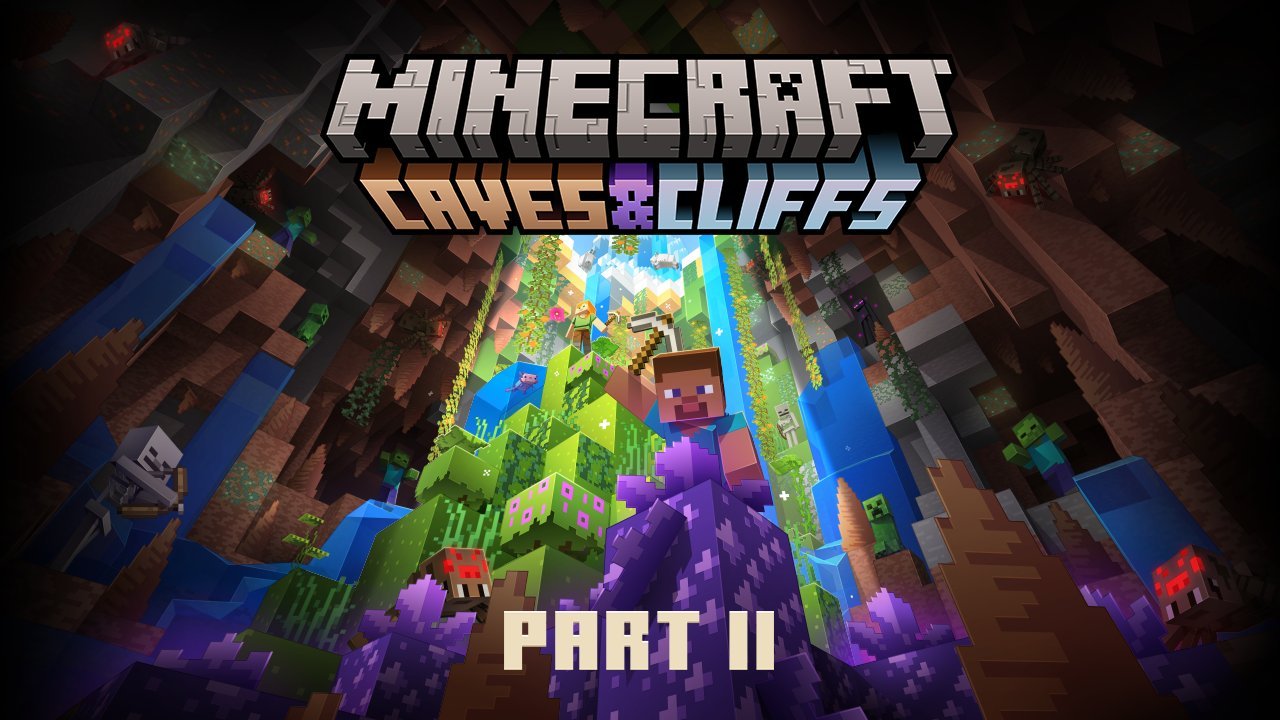
Image source credit: www.windowscentral.com
At Minecraft Live that year, players learned that the imposing Wardens and their Deep Dark biome would not be included in 1.18. At the time, they were expected in The Wild Update, version 1.19, announced for 2022. This article focuses on what arrived with 1.18.Caves & Cliffs Part II was released on 30 November 2021.When the update became available, players could find it through their Minecraft installation or launcher.Before updating, back up your worlds, maps and other important game files to protect your work if anything goes wrong.Mojang described 1.18 as bringing more cohesive terrain generation across large areas, including vegetation, colours and the overall appearance of the world. Have ideas for new articles or topics you would like us to cover? Contact us and share your suggestions!How do you update Minecraft to version 1.18?Click here to buy the PC version!If you play on PC and use Java Edition,updates are available through the official Minecraft Launcher.Bedrock Edition can also update automatically.If the update does not appear, the article suggests checking the Xbox app using the steps below. Menu names may differ in newer app versions.Xbox appOpen the app and go to “My Collection” near the top of the screen.Select “Manage Installs” and wait for the list to load. Find Minecraft, then choose the available update or installation option.Through Microsoft StoreOpen “Library” in the store’s menu to see available game updates, then update Minecraft if an update is offered.
Don’t have the game yet? Browse Minecraft on UniKey and choose the version for your device.
Check the current product page for the price and available options.