







איור להמחשה · מוצר דיגיטלי, ללא אריזה פיזית

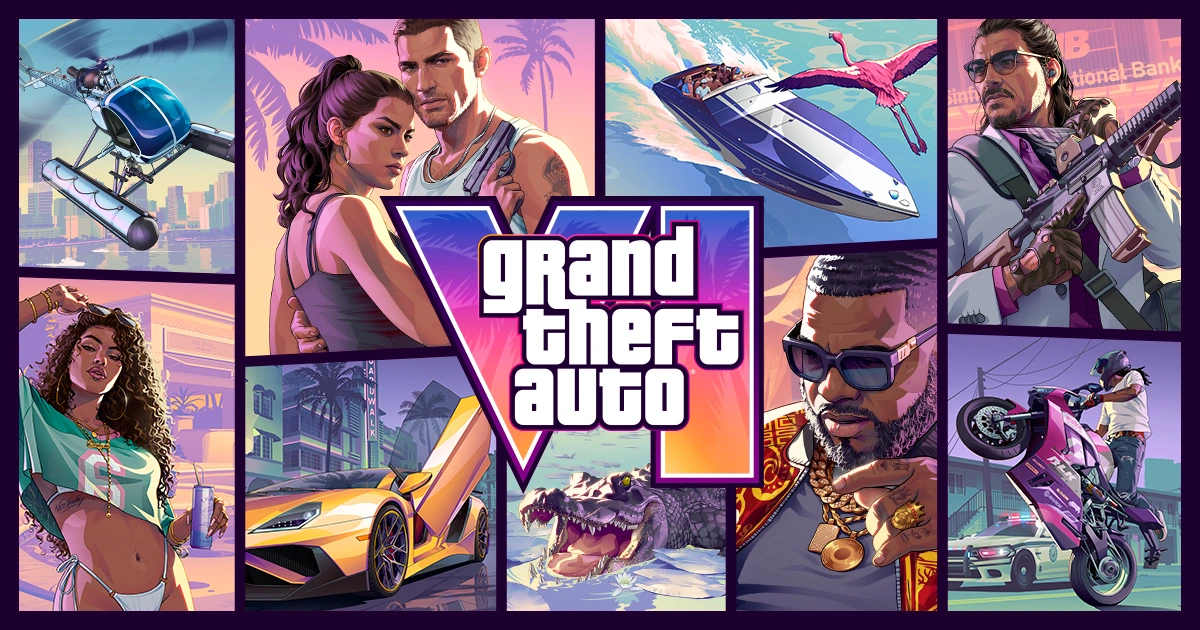
GTA VICrime. Next level.
Choose your edition and order.
Xbox PC Game Pass Subscription Xbox Game Pass for PC - Automatic installation / 12 months
Xbox PC Game Pass Subscription Xbox Game Pass for PC - Automatic installation / 12 months
This offer is for Xbox / PC. This offer is for installation or activation on the customer's account, as described in the service details.
1. Which platform do you play on?
2. Choose a subscription period
₪319Product price
In stock
Digital delivery · Activation details after order approval and processing.
Digital deliveryHebrew-language supportSecure payment
Find your edition. Know what you get.
Check the platform, term and contents. Each option opens its own details page.
Xbox PC Game Pass Subscription Xbox Game Pass for PC — Automatic installation / 12 monthsXbox✓ Installation in your account✓ Term: 12 months✓ Platform: Xbox / PCהבחירה הנוכחית₪319₪27 per month on averageXbox PC Game Pass Subscription Xbox Game Pass for PC — Automatic installation / 6 monthsXbox✓ Installation in your account✓ Term: 6 months✓ Platform: Xbox / PCView details and choose₪179₪30 per month on averageXbox PC Game Pass Subscription Xbox Game Pass for PC — Automatic installation / 3 monthsXbox✓ Installation in your account✓ Term: 3 months✓ Platform: Xbox / PCView details and choose₪99₪33 per month on averageXbox PC Game Pass Subscription Xbox Game Pass for PC — Automatic installation / 1 1 monthXbox✓ Installation in your account✓ Term: 1 months✓ Platform: Xbox / PC✓ תקופת המנוי: 1 1 monthView details and choose₪39₪39 per month on averageProduct details
About the product
Xbox PC Game Pass Subscription Xbox Game Pass for PC - Automatic installation / 12 months
Xbox PC Game Pass — option details at UniKey.
This offer is for Xbox / PC.
This offer is for installation or activation on the customer's account, as described in the service details.
Offer specifications
- How you receive the product: automatic installation
- Subscription term: 12 months
- Platform: Xbox / PC
- Delivery method: Installation on your account
- License term: 12 months
Before ordering
- Check compatibility with your operating system and device.
- Make sure the edition and license type suit your needs.
- Keep your email address and order number handy.
Specifications
- Platforms
- Xbox
- Editions
- Standard Edition
- Delivery types
- Installation on your account
- Online content
- Check connection and subscription requirements for the game and platform
Support you can count on
What do you get with UniKey?
Years of experience with software, games and digital products. Hebrew-speaking support after purchase, too.
Know exactly what you’re gettingCheck the edition, device and delivery type before ordering.
Help after purchaseQuestions about choosing or activating? Our support team can help in Hebrew.
Order details in one placeFind your order and redemption details in your account when the product is ready.
How to activate
View guides- 1Receive order detailsBy email and in your account, depending on delivery status
- 2Download from an official sourceFollow the product and manufacturer’s instructions
- 3ActivateFollow the guide and contact support if needed
How will I receive Xbox PC Game Pass Subscription Xbox Game Pass for PC?
Order details are available by email and in your account. The code is delivered after the order is confirmed and processed.
Where do I activate Xbox PC Game Pass Subscription Xbox Game Pass for PC?
המוצר מיועד ל־Xbox. יש לבדוק את החנות, המכשיר ואזור ההפעלה בפרטי האפשרות שבחרתם לפני ההזמנה.
How do I install Xbox PC Game Pass Subscription Xbox Game Pass for PC?
Sign in to your account at the store specified for the product, redeem the code and download from your library. A code for one store cannot be redeemed at another.
Does this edition include expansions?
Contents depend on the edition name and product details. Expansions or additional content may require the base game and are not included unless explicitly stated.
Need help activating Xbox PC Game Pass Subscription Xbox Game Pass for PC?
Contact support with your order number and a description of the error. Do not share the code publicly.